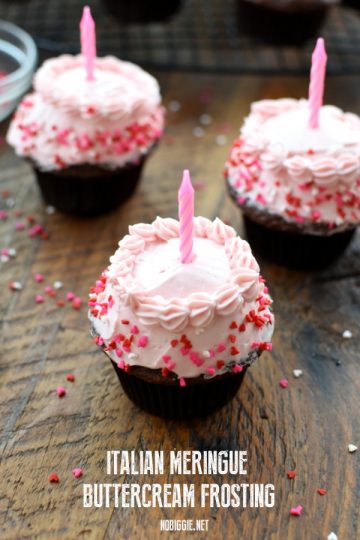
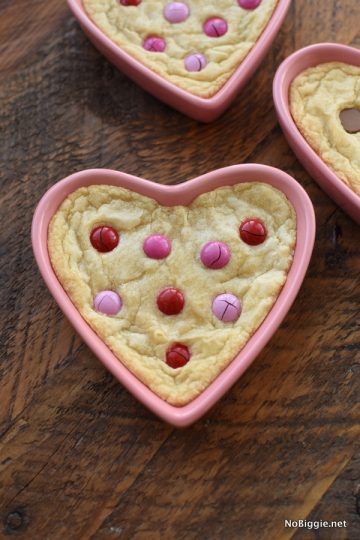
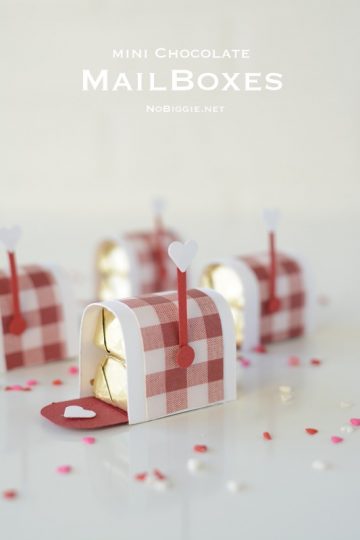
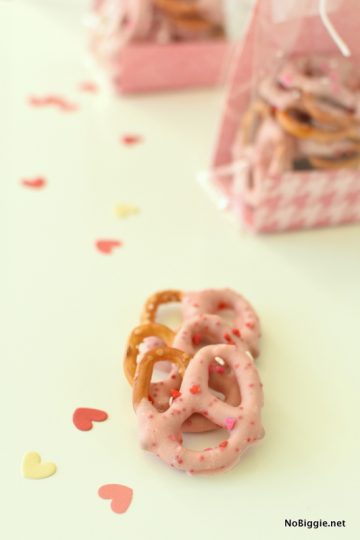
Happy Heart Day! I hope you all enjoy this uber lovey-dovey day with those you love. I love celebrating this day and all the cheese that comes with it. I made this sweet little Valentine’s Day vignette
crafts, recipes & real life

Happy Heart Day! I hope you all enjoy this uber lovey-dovey day with those you love. I love celebrating this day and all the cheese that comes with it. I made this sweet little Valentine’s Day vignette

Here’s some fun nerdy Valentines for the nerd in you or for your favorite nerdy Valentine. The “talk nerdy to me” is

We are big fans of the Despicable Me minions at our house, so when I saw these adorable Despicable Me 2 minion valentines on Make and Takes, I had to share! Last Summer we had a blast on the new Despicable Me ride at Universal Orlando, so I know my kids will be thrilled to… read more »

Here’s a fun little way to bring your love for conversation hearts into your Valentine’s Day decor, Project Life pages, or you could send them in Valentines in the mail. At the bottom of this post, you’ll find a download for 31 different cutting files to make your own conversation heart cut outs at home…. read more »

Hi Friends! Happy Monday! I’m so happy to share this vintage Valentine with you today! The artwork is by Ellen Clapsaddle and it’s just the sweetest. I fell in love with these

Time now for me to declare my love for pickled beets. I say that because I have a couple friends that think it’s sooo funny (and gross) that I love pickled beets…but I do. I really do. You might remember the beet salad on a stick recipe or I shared all my must have salad… read more »

He shoots, he scores!! Ahh Valentine’s Day…I sure do love you. Here’s a fun Valentine’s Day craft, cupid inspired. I call it: “Shot through the heart”, (you know you want to sing it…”SHOT THROUGH THE HEART, and you’re to blame… (sing it with me now)…you give love a bad name”). It all started with this… read more »
This is a widgeted area which is called Featured Bottom Left. It is using the Genesis - Featured Posts widget to display what you see on the Family Tree child theme demo site. To get started, log into your WordPress dashboard, and then go to the Appearance > Widgets screen. There you can drag the Genesis - Featured Posts widget into the Featured Bottom widget area on the right hand side. To get the image to display, simply upload an image through the media uploader on the edit page screen and publish your page. The Featured Posts widget will know to display the post image as long as you select that option in the widget interface.
This is a widgeted area which is called Featured Bottom Middle. It is using the Genesis - Featured Posts widget to display what you see on the Family Tree child theme demo site. To get started, log into your WordPress dashboard, and then go to the Appearance > Widgets screen. There you can drag the Genesis - Featured Posts widget into the Featured Bottom widget area on the right hand side. To get the image to display, simply upload an image through the media uploader on the edit page screen and publish your page. The Featured Posts widget will know to display the post image as long as you select that option in the widget interface.
This is a widgeted area which is called Featured Bottom Right. It is using the Genesis - Featured Posts widget to display what you see on the Family Tree child theme demo site. To get started, log into your WordPress dashboard, and then go to the Appearance > Widgets screen. There you can drag the Genesis - Featured Posts widget into the Featured Bottom widget area on the right hand side. To get the image to display, simply upload an image through the media uploader on the edit page screen and publish your page. The Featured Posts widget will know to display the post image as long as you select that option in the widget interface.